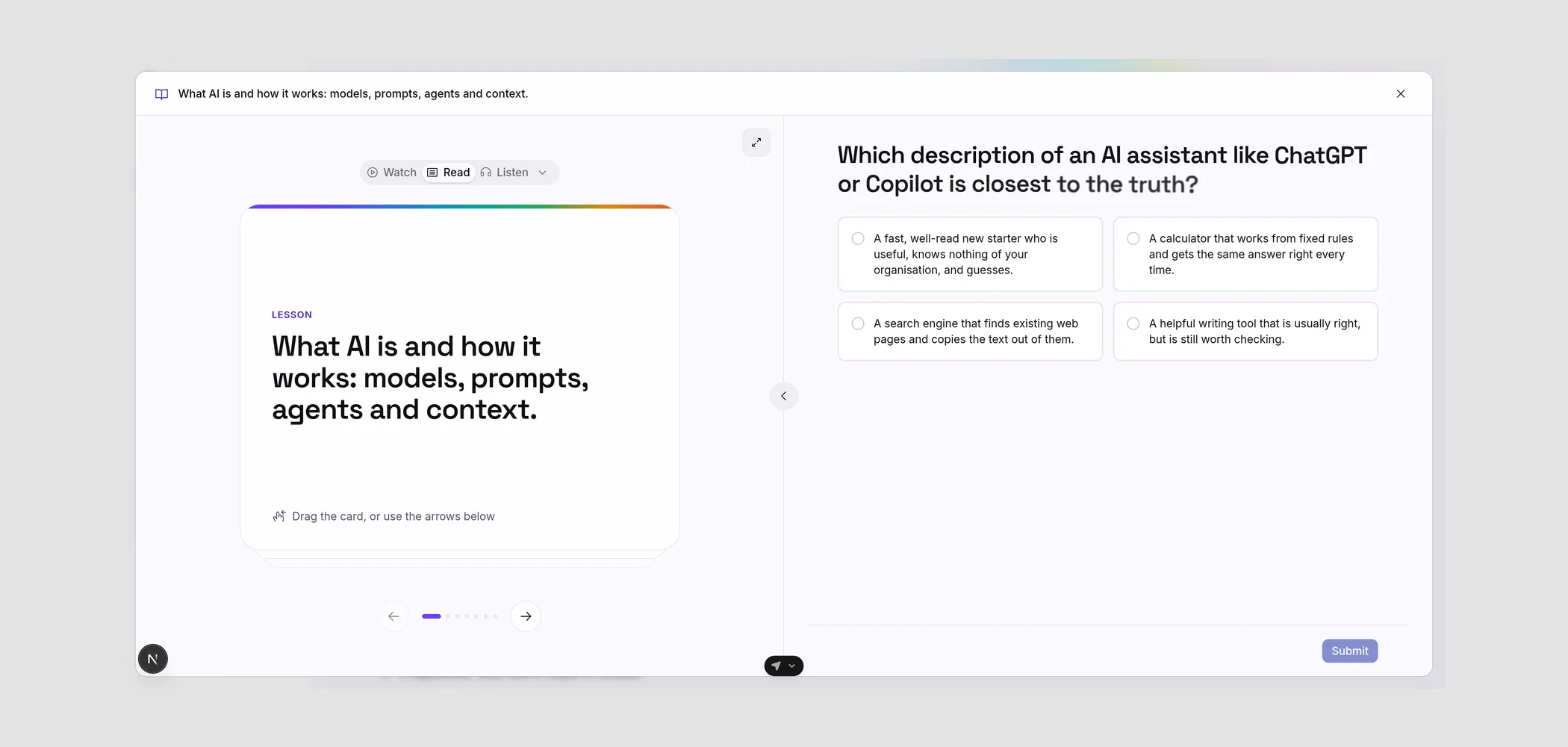
Watch, read or listen
Lessons now open full-screen and you choose how to learn. Read swipes through bite-sized cards, Watch plays the lesson video, and Listen reads each card aloud in your chosen voice, highlighting words as they're spoken.
The question sits right alongside, so you can go straight from learning to showing what you know.
- Read is the default. Swipe, tap, or use the arrow keys
- Watch plays the lesson video
- Listen reads each card aloud in your chosen voice, highlighting words as they're spoken
- On mobile, the question is a slide-up drawer